Free Webinar
Most AI document workflows fail before the model ever runs. Tables flatten. Handwriting disappears. Reading order breaks. References lose their source.In this 45-minute webinar, we’ll show why text extraction is not enough, and what production AI actually needs from documents.




This webinar is for teams already using OCR, parsing tools, or AI extraction, but still running into broken structure, inconsistent outputs, manual review, and documents that do not behave like clean inputs.
You’re building agents, copilots, or retrieval workflows that depend on documents. You’ll get value from this session if you need to:
You’re responsible for turning messy documents into something AI-ready. You’ll get value from this session if you need to:
You need document automation that can support real decisions. You’ll get value from this session if you need to:
We walked through the failure patterns teams hit when they treat documents as flat text, then showed what changes when documents are processed with structure, provenance, and confidence from the start.
Most tools read documents as text streams. That breaks quickly when the document contains layout, tables, handwriting, images, captions, footnotes, cross-references, or multi-column sections. We’ll cover where these failures show up:
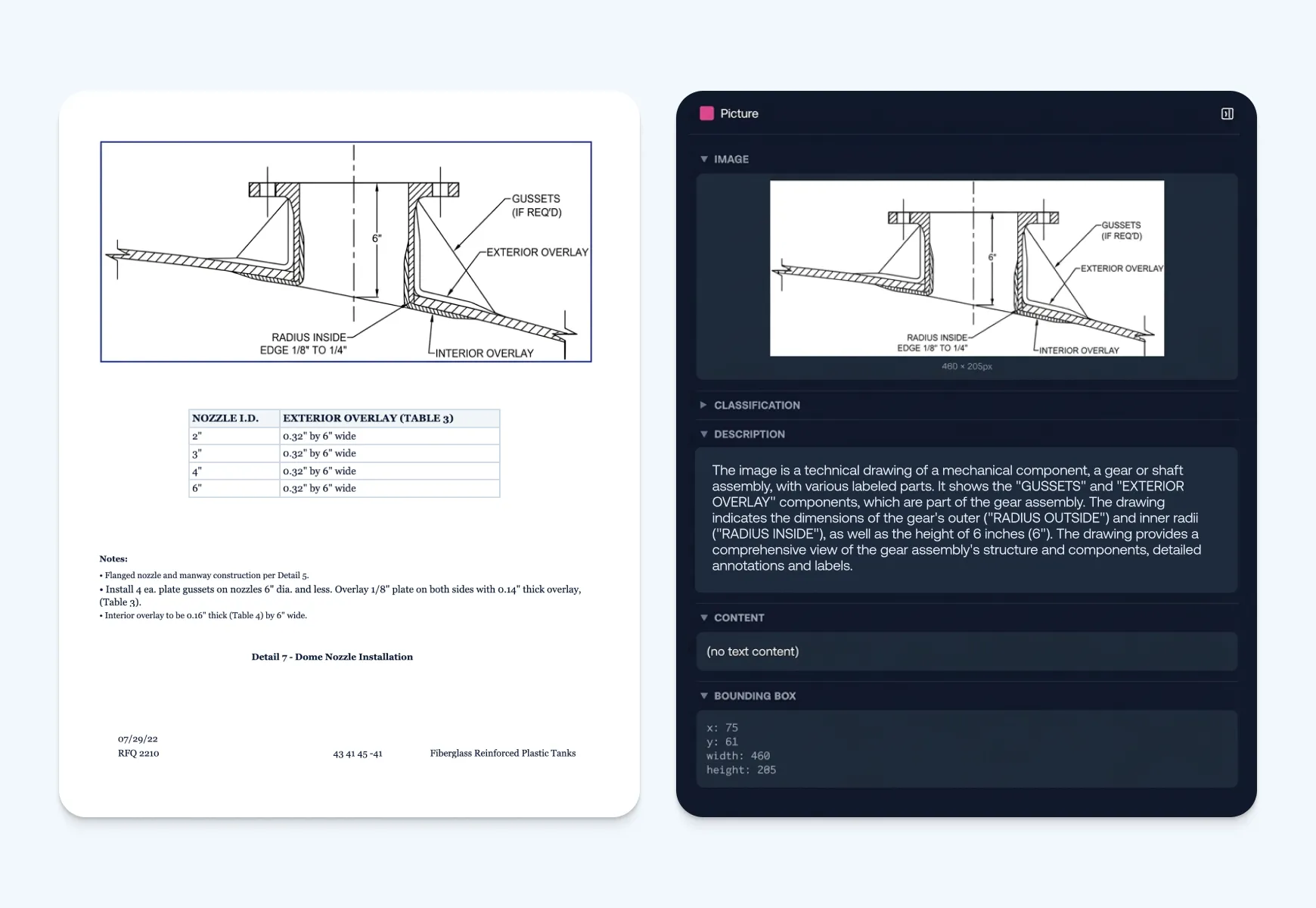

Document Intelligence starts before generation. It turns the document into structured, traceable context before an agent or workflow uses it.
Use Cases
We looked at four common document-heavy workflows where plain extraction creates real downstream problems.




This webinar is for AI builders, platform teams, data teams, and operations leaders working with complex documents. If you’re using OCR, parsers, RAG, or AI extraction and still dealing with broken structure, manual review, or inconsistent outputs, this session is for you.
We’ll cover where text extraction breaks and what reliable document workflows need before the model runs: layout detection, reading order, table preservation, image classification, provenance, and confidence scoring.
OCR reads characters. Document Intelligence keeps the document usable. It preserves layout, tables, handwriting, images, captions, footnotes, source locations, and the relationships between elements.
Text extraction treats a document like a stream of text. That breaks when the file has tables, multi-column layouts, scanned pages, charts, handwritten notes, or references to other documents. The content comes through, but the structure disappears.
Yes. We’ll run a complex document through the workflow and show parsed structure, structured extraction, confidence scores, source provenance, and the difference between basic text extraction and Document Intelligence.
Yes. Register for the session, and you’ll receive the recording after the webinar, even if you can’t attend live.